AI-Powered Online Career Learning Path
You want to systematically learn a new profession online using AI as your personal tutor and guide. This plan focuses on structured learning, practical skill-building, and career planning—all powered by AI assistants.
 TutorAI
Go to TutorAI → In the chat, type 'I want to learn [Your Target Profession, e.g., Data Analyst, Digital Marketer, UX Designer] from scratch. Create a structured 30-day curriculum for me with daily topics and key skills.' → Review the generated learning plan and save it.
 LearnGPT
Go to LearnGPT → Select 'Interactive Sandbox' → For each topic from your curriculum (e.g., 'SQL basics'), type 'Explain [topic] with simple examples and a mini-exercise.' → Complete the exercises and ask follow-up questions until confident.
 GitHub Copilot
Install GitHub Copilot in your IDE (VS Code) → Start a new project folder for your profession (e.g., 'data-analysis-portfolio') → Write a comment describing your project goal, e.g., '# Build a script to analyze sales data and create visualizations' → Let Copilot suggest code, then refine and run it.
 Notion AI
Go to Notion → Create a new page 'Career Portfolio' → Use Notion AI (click spacebar): Type 'Generate a template for a project portfolio with sections: Project Title, Skills Used, Code Snippets, Results, Lessons Learned.' → Fill it with your projects from Step 3, using AI to polish descriptions.
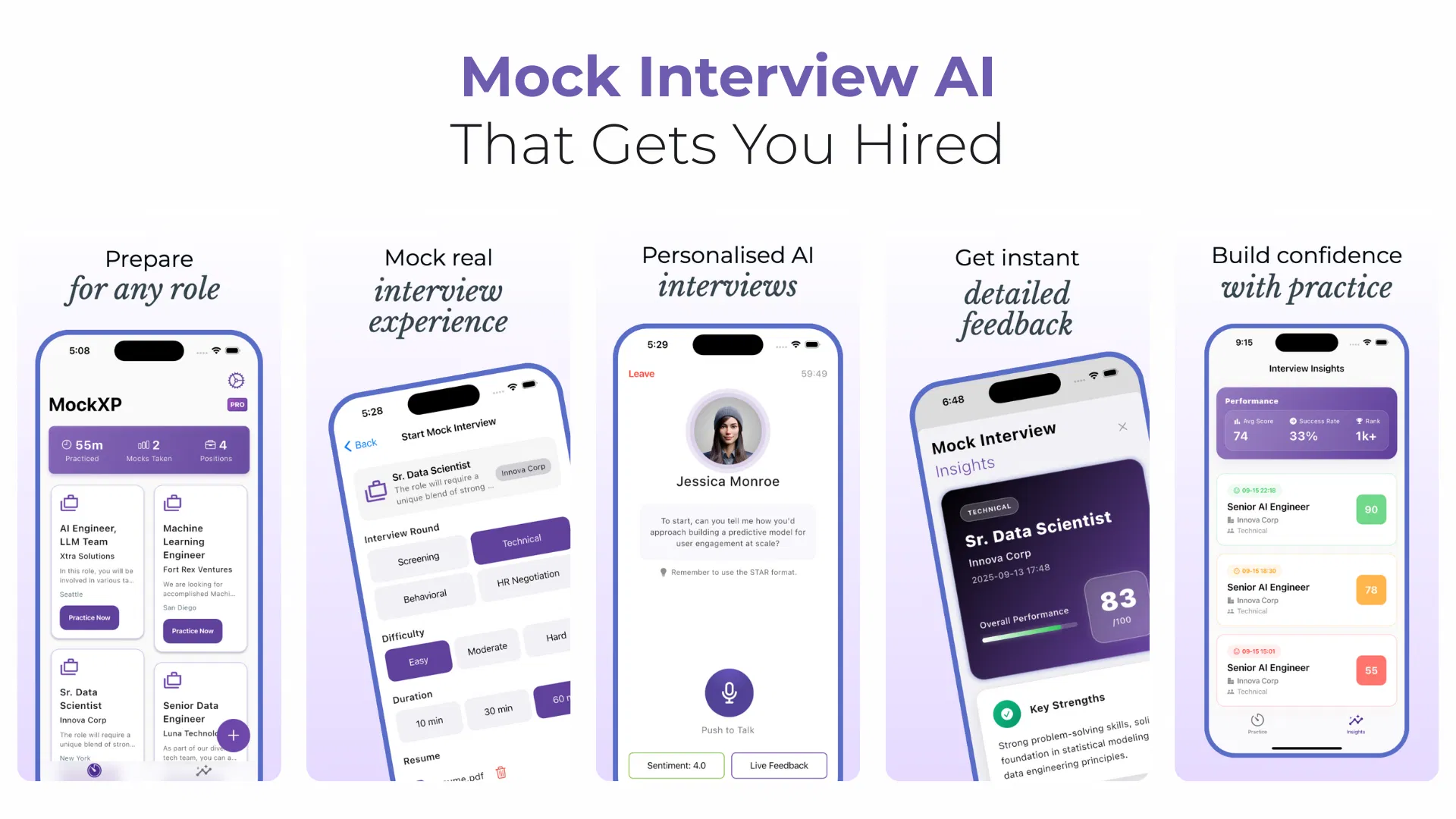 Interview Prep AI - MockXP
Go to MockXP → Upload your resume and target job description → Start a mock interview. Answer AI's behavioral and technical questions aloud → Review the feedback on your answers, tone, and gaps. Repeat for weak areas.
Describe your goal — AI will break it into steps and select tools.
Create Pipeline